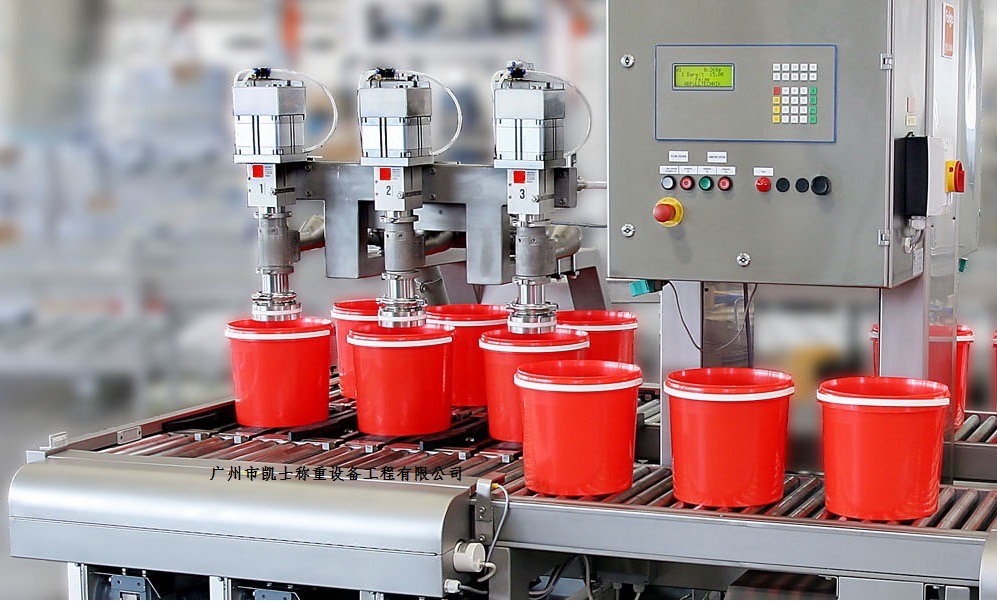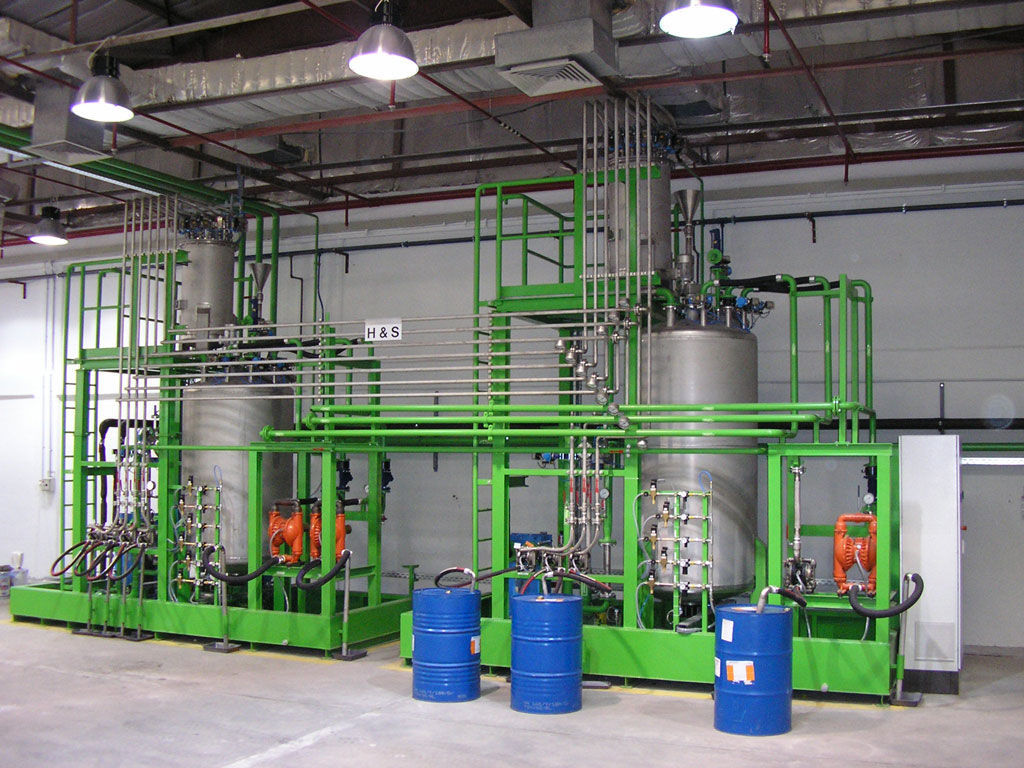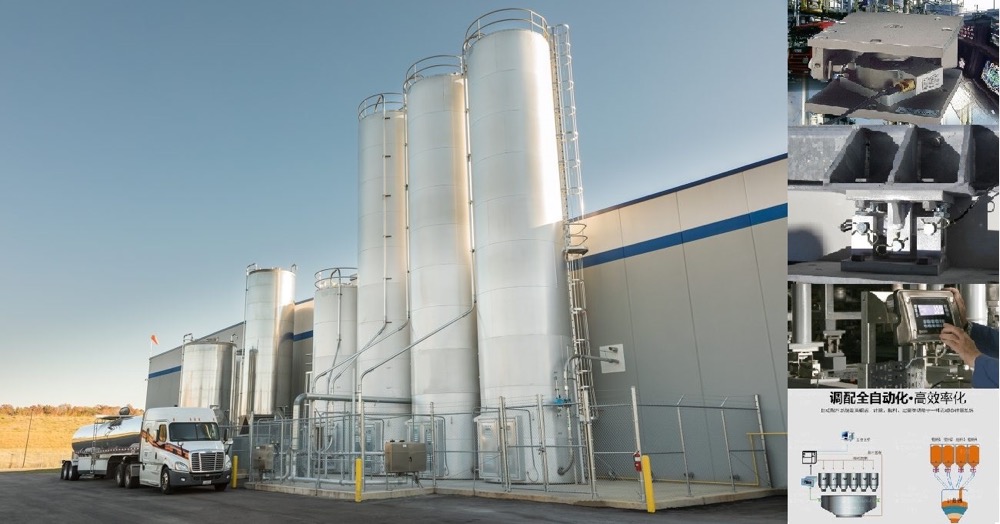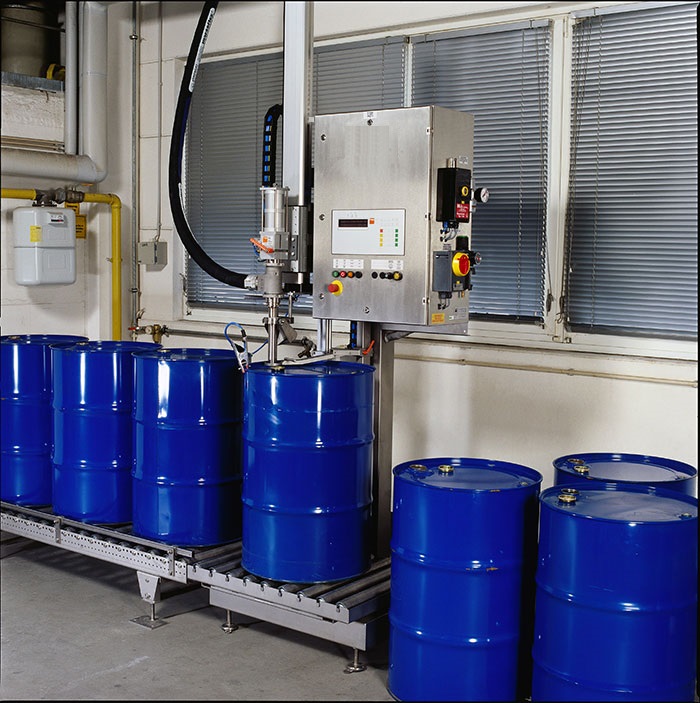


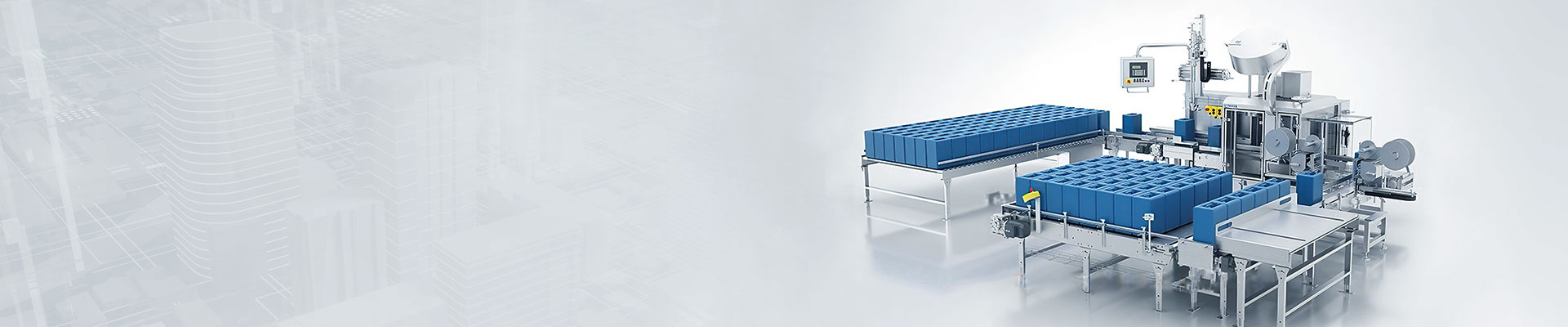


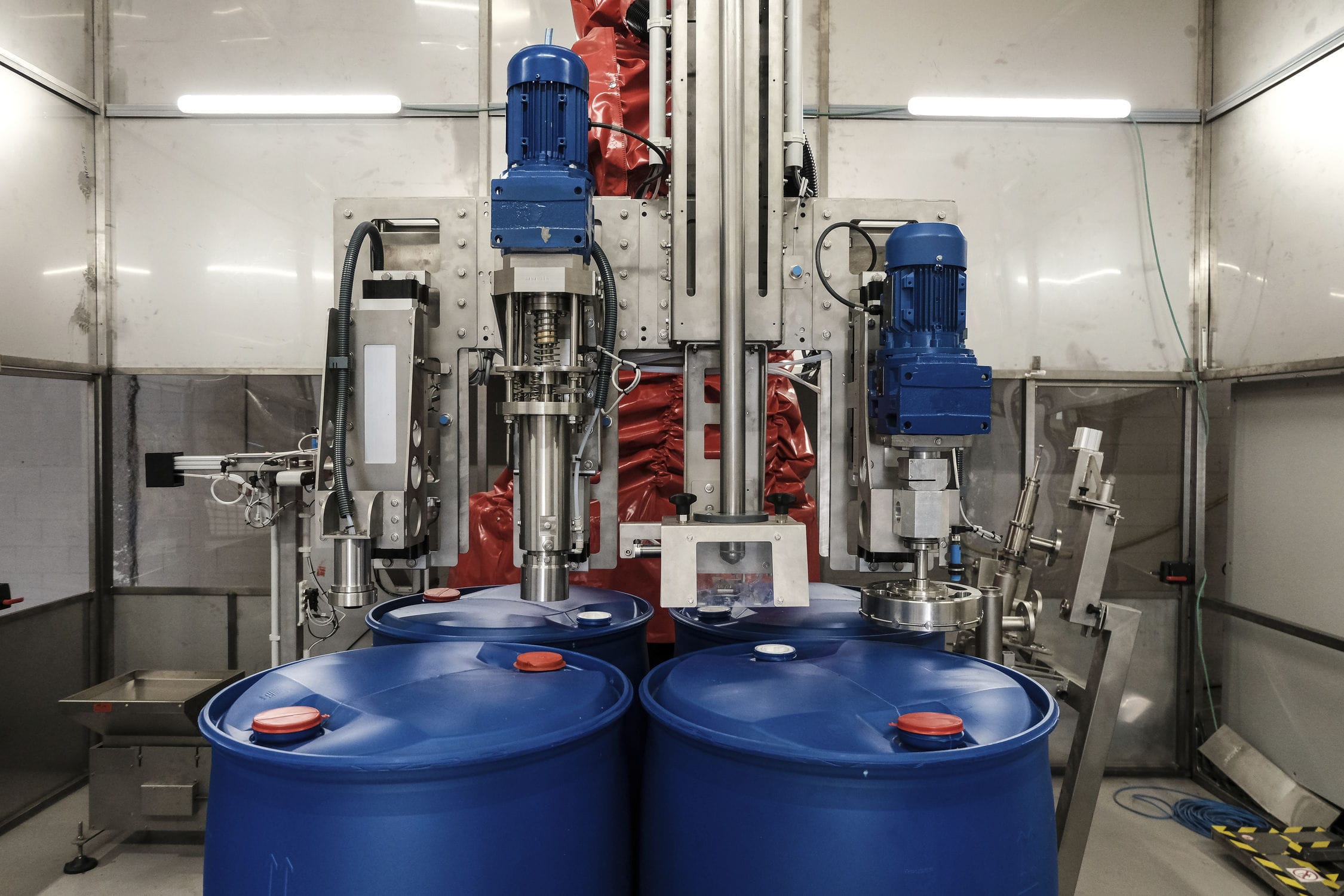
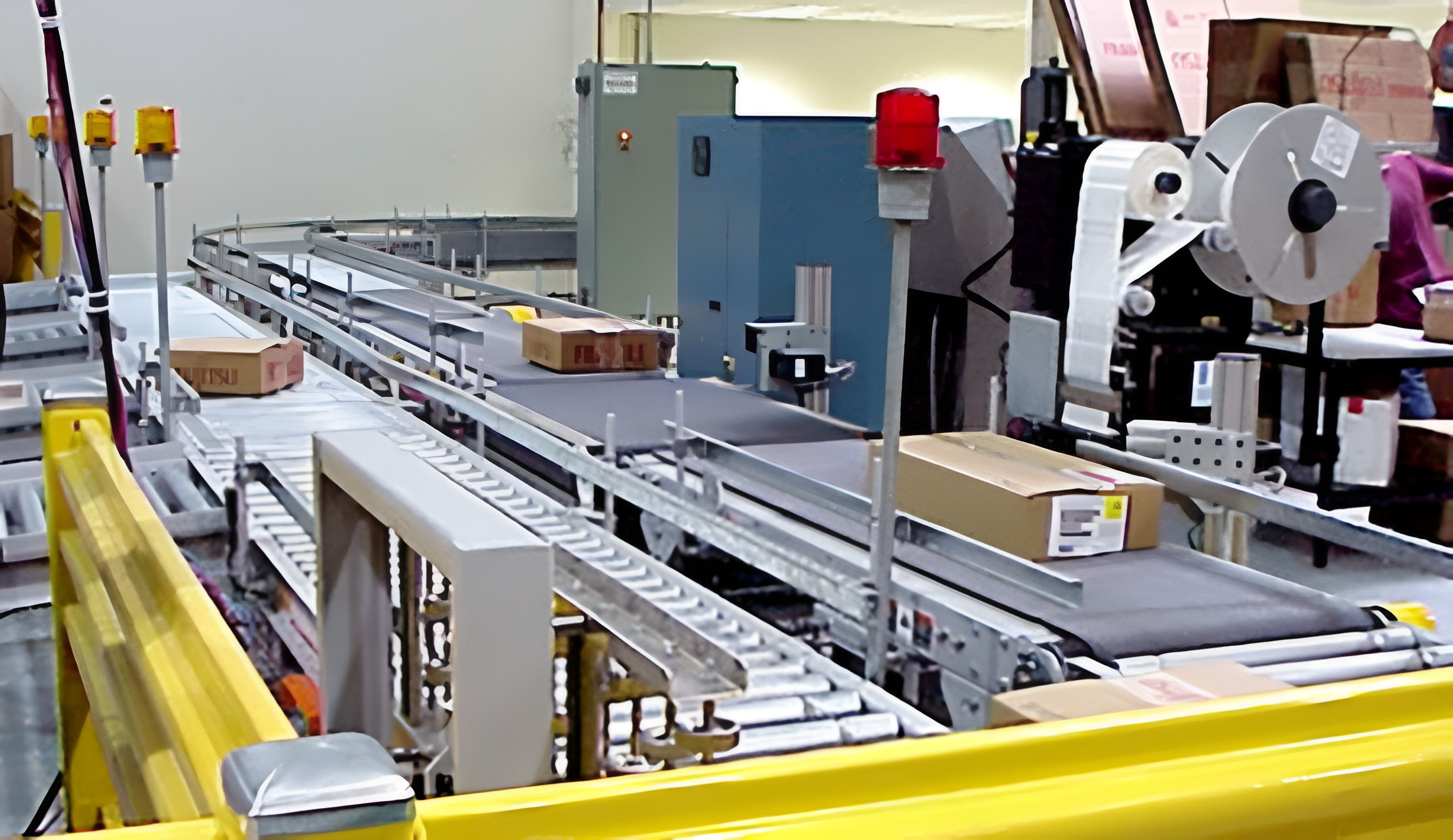
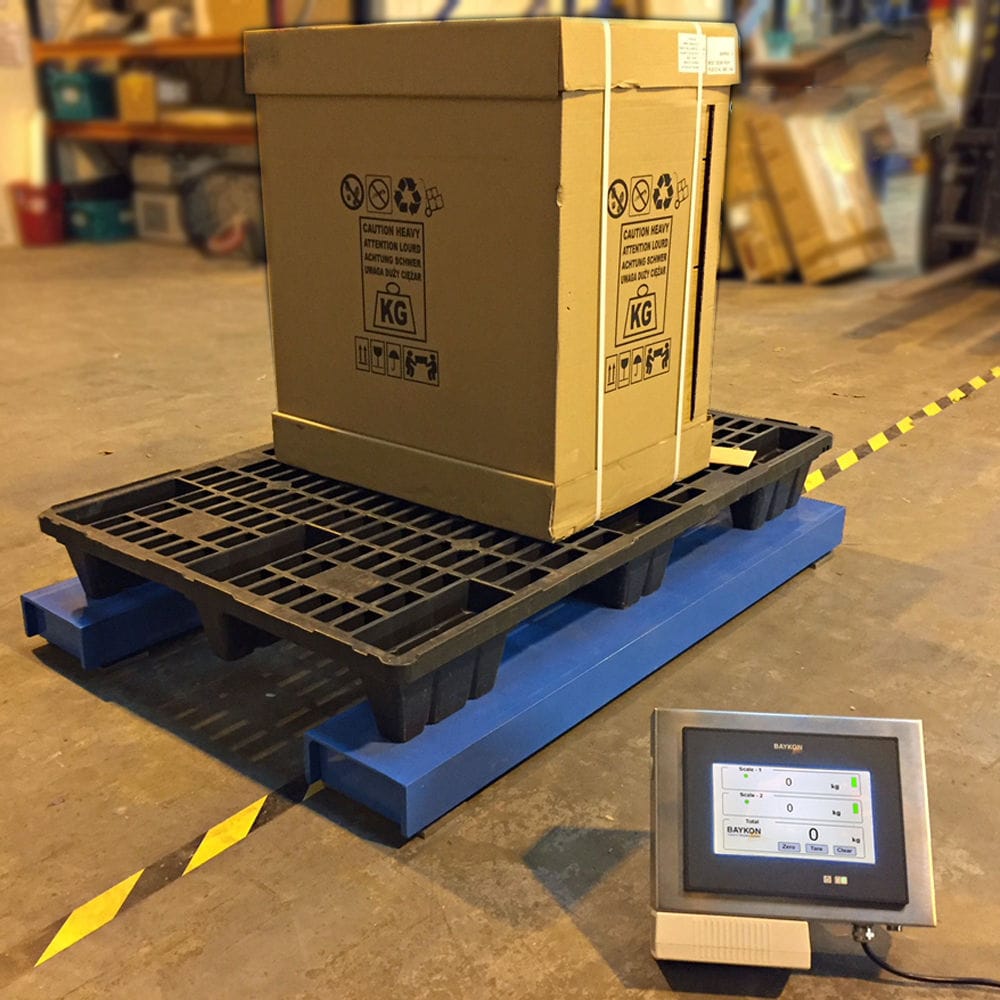


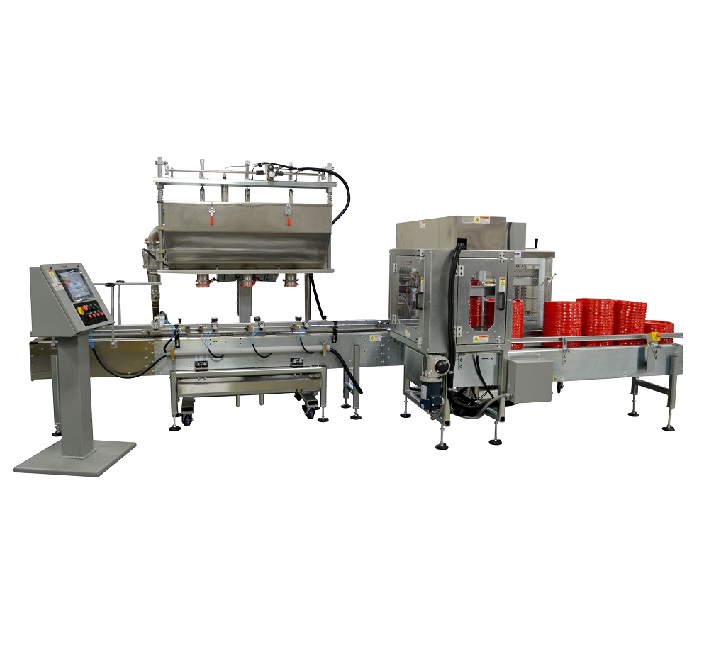
The automatic charging machine adopts two S7-300 stations in STEP7, and integrates DP to select the master mode CP342-5 to select the slave mode. The screen displays the current filling quality, the number of filling barrels and other on-site working status in real time. The corresponding operation can be carried out on the upper computer, and the filling mode can be selected and the buttons such as start and stop can be operated through the interface. The ability to change the filling quality, number of barrels and manually remove tare weight (i.e. the quality of the filling bottle) when using different filling barrels.

 020-34563445
The automatic Filling machine is generally used in two forms, that is, filling on the level and filling on the level. For the liquid that is not foamed and non-toxic gas produced during the filling process, the liquid level is generally filled on the liquid level. For the liquid that will produce foam during the filling process or the liquid that has gas overflow, the liquid level is generally filled under the liquid level. The so-called liquid filling, that is, the nozzle is always above the plane of the liquid during the filling process, and does not have contact with the liquid. Under level filling means that the filling gun muzzle is always kept below the level plane during the filling process, and in order to reduce the weight error caused by the filling gun in the liquid, the filling gun will automatically track the rise of the liquid level and rise. The filling gun is made of stainless steel, and the muzzle is equipped with a valve. Closing the valve can cut off the flow of liquid. In order to improve the filling accuracy, the filling machine has two filling speed control, when it is about to reach the set weight, it will automatically switch the liquid flow rate to a slow speed to ensure that the set weight is accurately reached at the end of the filling.
The automatic filling machine adopts the configuration of two S7-300 stations in STEP7, and the integrated DP port selects the master mode CP342-5 as the slave mode. In the PROFIBUS-DP hardware list, select the CP342-5 model selected in the secondary hardware configuration from (ConfieuredStations) /S7-300CP342-5DP, drag it to the DP master bus, click the Connect button, Connect the slave station to the PROFIBUS network established by the master station. Select the slave station, insert the corresponding input output module on the hardware slot of the slave station (such as Slotl), you can also insert the universal (Universa module) module, define the input and output bytes, the system defines the data exchange area of 10 bytes input and 10 bytes output for configuration.